
📘 Blog 10: Mastering the — Meta Tags and More
Welcome back! You’ve now learned to build structured, accessible, and interactive pages. But there’s a part of every HTML document […]
📘 Blog 10: Mastering the — Meta Tags and More Read Post »
Welcome back! You’ve now learned to build structured, accessible, and interactive pages. But there’s a part of every HTML document […]
📘 Blog 10: Mastering the — Meta Tags and More Read Post »
Welcome back! So far, you’ve learned how to create beautiful, interactive pages with text, images, links, forms, and media. Now,
📘 Blog 9: Semantic HTML — Structure Your Webpage the Right Way Read Post »
Welcome back! So far, you’ve learned how to create text content, add images, build tables, and collect user input with
📘 Blog 8: Embedding Videos and Other Media in HTML — Make Your Page Dynamic Read Post »
Welcome back! You’ve learned how to build structured pages, add images, create links and buttons, and organize data with tables.
📘 Blog 7: Creating Forms in HTML — Collect User Input Read Post »
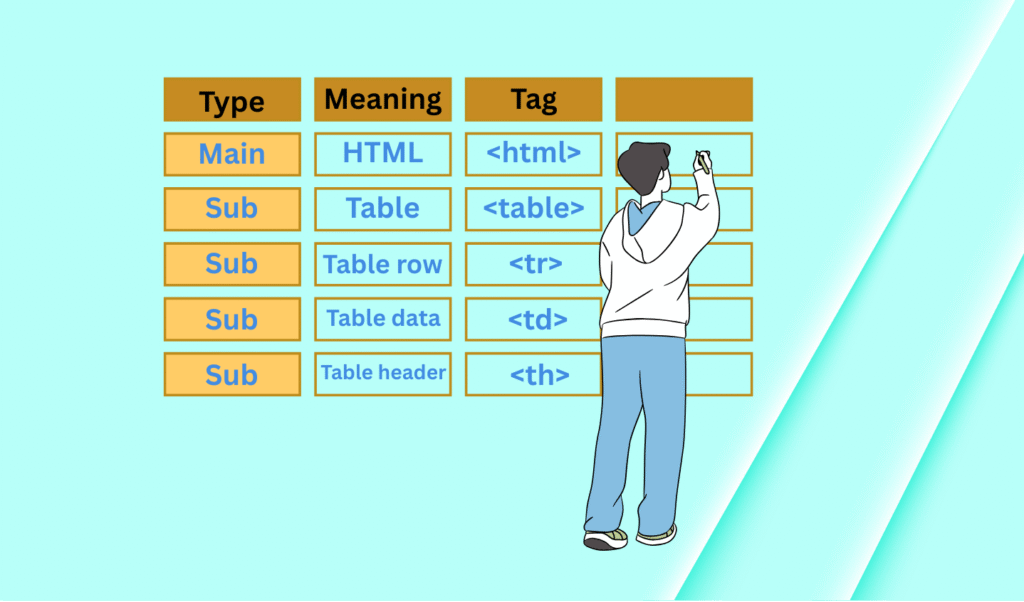
Welcome back! By now, you’ve learned how to structure text, add images, and create links and buttons. Now let’s learn
📘 Blog 6: Creating Tables in HTML — Organize Your Data Clearly Read Post »
Welcome back! So far, we’ve learned to create and style text and images. Now it’s time to make your webpage
📘 Blog 5: Adding Links and Buttons in HTML — Make Your Page Interactive Read Post »
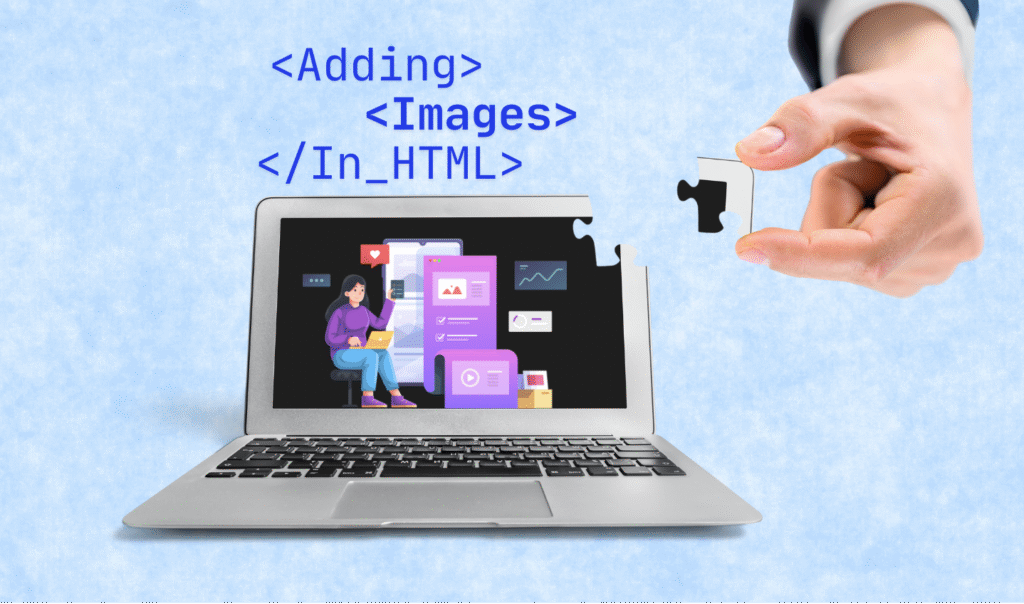
Welcome back! So far, you’ve learned how to add text content and format it beautifully. Now it’s time to take
📘 Blog 4: Adding Images in HTML — Make Your Pages Visually Engaging Read Post »
Now that you’ve learned how to add text to your webpage using headings, paragraphs, and lists, it’s time to explore
📘 Blog 3: Formatting Text in HTML – Make Your Content Stand Out Read Post »
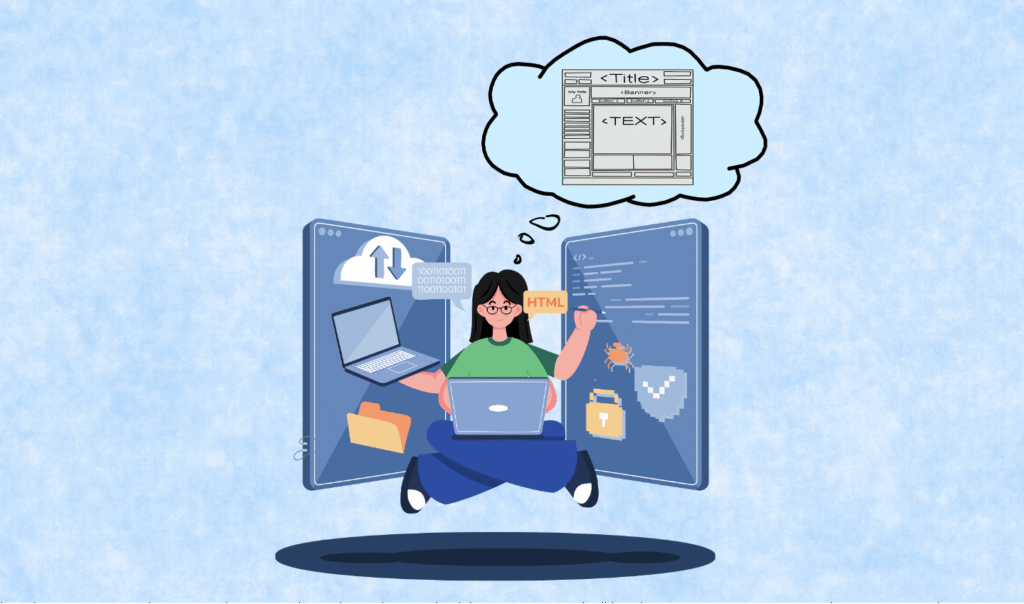
Welcome back! Now that you’ve learned the basic structure of an HTML document, it’s time to start adding meaningful content.
📘 Blog 2: Adding Text Content in HTML – Headings, Paragraphs, and Lists Read Post »
HTML, or HyperText Markup Language, is the foundational language used to create web pages. It allows developers to structure content,
📘 Blog 1: Introduction to HTML – The Building Blocks of the Web Read Post »